Transaction Types
•
Transaction types are used to associate
workflows for various phases of sales document processing.
•
The Define Transaction Types window is used to
define both order and line types.
•
For order header the transaction type code will
ORDER and for the lines it will be LINE.
Navigation : OM: Setup > Transactions >Transaction
Types

Transaction Types – Assign Lines
•
Define your line types first. You should define
line types for both order lines and return lines.
•
Once you define the Order Transaction types,
assign the Line Transaction Type using the option Assign Line flows.

Document Sequences
•
Define Document Sequences for automatic or
manual numbering of orders.
•
This step is required. You can define multiple
document sequences that are assigned to different order types.
Navigation : OM: Setup -> Documents -> Define

Document Categories
Whenever we create a new transaction type, a new document
category gets created automatically.
You must define a category for each bill of lading and
packing slip you wish to create.
Navigation: OM: Setup -> Documents -> Categories

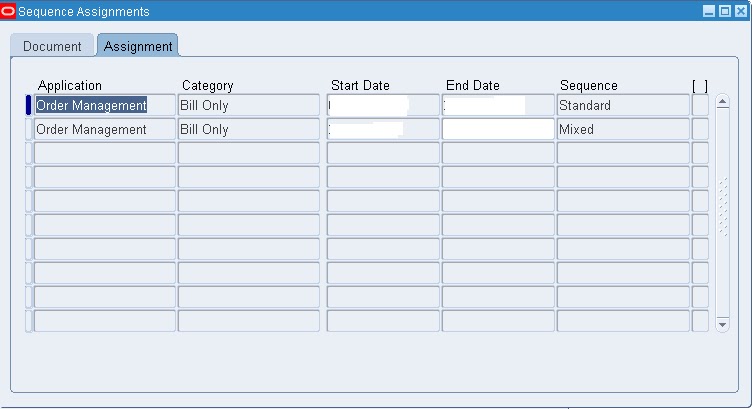
Assign document sequences
After defining document sequences and categories, assign
document sequences to document categories.
Assigning sequences is application and category specific.
You cannot change a document category definition. If you find incorrect information,
create a new category with the correct information, re-assign document
sequences to the new category, and disable the old category.
Navigation : OM: Setup -> Documents -> Assign

No comments:
Post a Comment